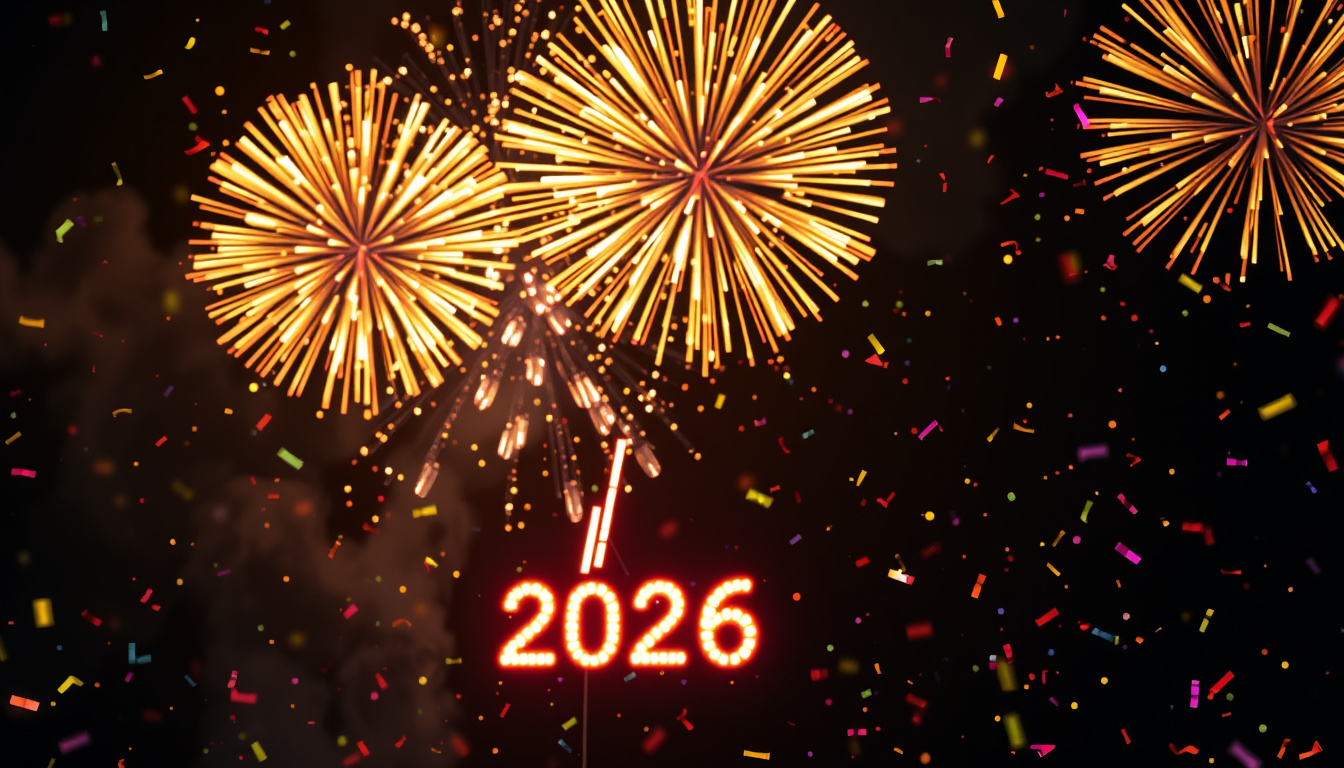
New Year’s Eve just hits different when your group chat fills up with animated fireworks and dancing confetti. Whether you’re sending a funny GIF to your college crew or a romantic one to someone special, a well-timed Happy New Year animation says what a plain text message never could. This guide walks you through where to find safe, free GIFs for 2026, how to make your own in seconds, and exactly how to get them onto WhatsApp — official features only, no third-party apps required.
Top GIF Platforms: GIPHY, Tenor · Free Maker Tool: Adobe Express · Popular GIF Types: Funny, Love, Indian · Safe Site Rating: GIPHY Content Rating · Sharing App: WhatsApp
Quick snapshot
- GIPHY and Tenor host the largest searchable GIF libraries (GIPHY, Tenor)
- WhatsApp offers official 2026 sticker packs built directly into the app (WhatsApp Blog)
- Adobe Express provides a free browser-based GIF maker with templates (Adobe Express)
- Exact regional availability of WhatsApp’s 2026 animated sticker packs
- Whether all 2026-specific GIF collections will launch before December 31
- AI-generated custom GIF quality varies across different tools
- WhatsApp typically adds holiday sticker packs 1–2 weeks before December 31
- GIPHY and Tenor upload 2026 collections starting in mid-December
- Adobe Express updates holiday templates each November
- Download official WhatsApp stickers before December 25 to avoid holiday traffic
- Bookmark GIPHY’s 2026 collection page for quick access on NYE night
- Create a custom GIF with your New Year’s wish by January 1
The table below summarizes key sources and tools referenced throughout this guide.
| Category | Details | Source |
|---|---|---|
| Primary Platforms | GIPHY, Tenor | GIPHY · Tenor |
| GIF Maker | Adobe Express | Adobe Express |
| Safety Check | GIPHY Content Rating system flags mature content | GIPHY Support |
| Emoji Pick | 🎊 New Year’s Eve (party popper) | Emojipedia |
| Wishes Source | QuillBot offers 100+ curated New Year wishes | QuillBot |
What are the best sites for finding GIFs?
When it comes to Happy New Year animations, two platforms dominate: GIPHY and Tenor. Both host millions of animated clips and maintain dedicated holiday collections that refresh each year. According to GIPHY’s editorial team, their Happy New Year 2026 collection aggregates trending animations from verified creators and studios (GIPHY, 2024). Tenor, owned by Google, syndicates GIFs from its partner network and integrates directly with Android keyboards and messaging apps.
For users specifically seeking Indian-themed GIFs — featuring rangoli patterns, diyas, or Bollywood-style celebrations — Funimada offers a curated library of festive images that can be converted to GIF format. GIPHY also tags content by cultural occasion, so searching “Indian New Year GIF” surfaces relevant results from multiple creators.
GIPHY wins on searchability and API integration with apps; Tenor wins on Android-native keyboard access. Bookmark both — the right GIF sometimes lives on only one of them.
Free Happy New Year GIF sources
- GIPHY — 50,000+ New Year GIFs, free to search, free to embed. Requires no account for basic downloads (GIPHY)
- Tenor — Similar volume, integrated with Google keyboard. Free downloads, no watermarks on most content (Tenor)
- Adobe Express — Free browser tool with holiday templates. Export as GIF or MP4 (Adobe Express)
- GetStickerPack — Create personal WhatsApp sticker packs from GIF files (GetStickerPack)
Safe GIF sites
GIPHY operates a content-rating system that flags mature or explicit content, making it safer for workplace or family group chats. Tenor relies on Google’s content policies. Both platforms are preferable to generic image search results, which may contain watermarked commercial GIFs or misleading clickbait links.
“Always download GIFs from established platforms like GIPHY or Tenor. Third-party sticker apps often request excessive permissions and may share your contact data with advertisers.”
— Security guidance from Moneycontrol technology desk
Happy New Year GIF 2026 downloads
To download a GIF directly to your phone: open the GIF on GIPHY or Tenor, tap and hold the image, and select “Save Image” or “Download.” On desktop, right-click and choose “Save image as…”. The file saves to your Downloads folder. From there, you can attach it to any WhatsApp chat as you would a photo.
GIF files are larger than static images. WhatsApp compresses them, but a 10MB GIF may take longer to send on mobile data. For the smoothest NYE experience, download your GIFs on WiFi before the celebration begins.
How do I do a Happy New Year GIF?
Making your own Happy New Year GIF is easier than most people assume. Adobe Express offers a free browser-based editor with holiday templates — no design experience required. You choose a template, swap in your own text or photo, and export as a GIF in under five minutes (Adobe Express). The tool runs entirely in your browser; no download or installation needed.
Free Happy New Year GIF maker
Adobe Express is not the only option. Canva also offers a free tier with animated templates, though export options may be limited on the free plan. For users comfortable with PowerPoint, Microsoft added GIF export in Office 365 — build your slide, insert text and animations, and save as GIF.
- Adobe Express — Holiday templates, text overlay, free tier. Best for beginners (Adobe Express)
- Canva — Animated designs, free tier available. Strong on visual templates (Canva)
- PowerPoint — Insert animations, export as GIF. Free with Microsoft 365 (Microsoft)
Customize GIFs with wishes
Pairing your GIF with a personalized New Year message elevates a generic animation into something memorable. QuillBot’s writing tools include a library of 100+ curated New Year wishes ranging from formal to humorous, which you can copy directly into your WhatsApp message alongside the GIF (QuillBot).
For a truly custom feel, use Adobe Express to overlay your wish directly onto the GIF image. This ensures the message displays consistently regardless of whether the recipient’s WhatsApp auto-compresses the image.
How do I send a happy new year GIF on WhatsApp?
There are two reliable paths: send a GIF file directly (like a photo), or use WhatsApp’s built-in sticker feature. The Moneycontrol technology desk confirms that WhatsApp offers official New Year 2026 sticker packs downloadable directly within the app — no third-party apps needed. The feature works on both Android and iOS.
Step-by-step WhatsApp GIF sharing
- Download your GIF — Save the GIF from GIPHY or Tenor to your phone’s camera roll or Downloads folder.
- Open a WhatsApp chat — Select the individual or group conversation where you want to send the GIF.
- Tap the attachment icon — It’s the paper clip icon on Android or the “+” on iOS, located below the text input field.
- Select Photo/Video — Navigate to your camera roll or file manager and tap the saved GIF file.
- Adjust if needed — WhatsApp shows a preview. You can trim the GIF using the slider if it’s longer than 30 seconds (WhatsApp’s limit for animated images).
- Tap Send — The GIF sends as a media attachment. Recipients can tap it to view the full animation.
GIFs for WhatsApp Status
WhatsApp Status accepts GIF uploads for a 30-second window. According to the WhatsApp Blog, the platform introduced animated confetti reactions and special 2026 layout options for Status updates during holiday periods. To post a GIF to your Status: open WhatsApp, tap “Status” at the top, tap “My Status,” select your saved GIF file, add text or emojis, and post.
“WhatsApp adds video call effects like fireworks and confetti for New Year celebrations, letting you and your friends enjoy the moment together even when apart.”
WhatsApp compresses all media, including GIFs. A crisp, high-resolution animation on your phone may appear slightly pixelated after sending. For the sharpest results, avoid re-encoding GIFs through multiple apps — download once, send once.
What is a unique way to say Happy New Year?
A GIF paired with a thoughtful message hits differently than a copy-pasted wish. The combination of visual and text creates a two-layer greeting: the animation sets the mood, and the words make it personal. QuillBot’s curated library of 100+ New Year wishes gives you a head start — browse by tone (warm, humorous, formal) and copy the lines that match your relationship with each recipient (QuillBot).
Top New Year wishes with GIFs
- “Here’s to another year of terrible jokes and great memories with you. Happy New Year! 🎊” — Pair with a funny GIF of someone tripping over confetti
- “May 2026 bring you more reasons to smile than 2025 did. Cheers!” — Pair with a champagne-toast animation
- “New year, new adventures. Can’t wait to see what we do next.” — Pair with a travel-themed or adventure GIF
- “You’re my favorite reason the year went fast. Happy New Year, love.” — Pair with a romantic heart-fireworks animation
Short New Year messages
Sometimes shorter lands harder. A two-line message paired with a striking GIF communicates warmth without overstaying its welcome:
- “2026 is ours. See you there.”
- “Happy New Year! May your coffee be strong and your plans be casual.”
- “Out with the old, in with the GIF. Happy New Year!”
What emoji to use for New Year?
The 🎊 party popper emoji is the universal shorthand for New Year celebrations on messaging platforms. According to Emojipedia’s catalog, it ranks among the top-ten most-used emojis during December 31 and January 1 globally. Pairing it with a GIF in your WhatsApp message reinforces the visual greeting with an emoji that most devices render consistently.
New Year’s Eve emojis
- 🎊 Party Popper — The go-to for general New Year greetings
- 🥂 Clinking Glasses — For toast-worthy moments, especially with friends or romantic partners
- 🎆 Fireworks — Pairs well with city-skyline or celebration GIFs
- 🎉 Party Face — Adds playful energy to funny GIF pairings
- ✨ Sparkles — Works as a subtle accent, especially for polished or elegant wishes
Combine with GIFs
The winning formula: one emoji + one GIF + one short message. For example: “🎊 Here’s to 2026!” with a fireworks GIF sends clearly and lands warmly. Avoid flooding the message with five different emojis — restraint signals effort, not neglect.
Some older Android devices render certain celebration emojis as blank boxes. If you’re messaging someone with a budget phone, test your emoji before New Year’s Eve — or stick to the party popper (🎊), which has the broadest Unicode support.
Expert perspectives
“AI tools can generate custom Happy New Year images, emojis, and GIFs using simple prompts like ‘Animated GIF of fireworks over a city skyline with Happy New Year 2026.’ The results vary in quality but offer unique personalization impossible with stock libraries.”
“WhatsApp introduces video call effects like fireworks, confetti, and stars for New Year 2026 celebrations, available through the holiday period. For the first time, animated stickers are also available on Status updates.”
— WhatsApp Blog official product announcement
Related reading: World Juniors 2026 Scores
Frequently asked questions
What are funny happy new year GIFs?
Funny Happy New Year GIFs are humorous animated clips featuring themes like someone tripping over confetti, a cat wearing party hats, or a person oversleeping into January 1. GIPHY’s comedy category and Tenor’s trending collections are the best sources for this style.
Where to download happy new year GIFs?
Download GIFs directly from GIPHY.com or Tenor.com by saving the image to your phone’s camera roll. Open the GIF, tap and hold, then select “Save Image” or “Download.” You can also use the GIPHY mobile app for faster access to saved favorites.
How to make a happy new year GIF for WhatsApp?
Open Adobe Express, select a holiday template, add your custom text or photo, and export as a GIF. Download the file to your phone, then open WhatsApp, tap the attachment icon, and select the GIF from your camera roll. You can also use WhatsApp’s built-in sticker feature by downloading official packs through the sticker tray.
What are the top 10 New Year wishes?
Top wishes include: “Happy New Year! May 2026 be your best year yet,” “Here’s to new beginnings and old friends,” “Cheers to 12 months of adventure,” and “Wishing you peace, health, and joy in the new year.” QuillBot’s wish library offers 100+ options sorted by tone (QuillBot).
What is the best New Year message?
The best New Year message is one that sounds like you. Generic greetings blend into the crowd; a message referencing a shared memory or a specific hope for the coming year stands out. Keep it short (one to three lines) and pair it with a GIF that matches the tone — funny for close friends, warm for family.
What is a nice short message for the New Year?
Short messages that land: “2026, let’s go,” “Happy New Year! Ready when you are,” and “May the odds be ever in your favor — happy 2026!” A short message paired with a punchy GIF communicates effort without requiring a paragraph.
Related stories





Rebecca Thompson is Managing Editor at Civic Maple, overseeing daily newsroom workflow, commissioning and headline review.